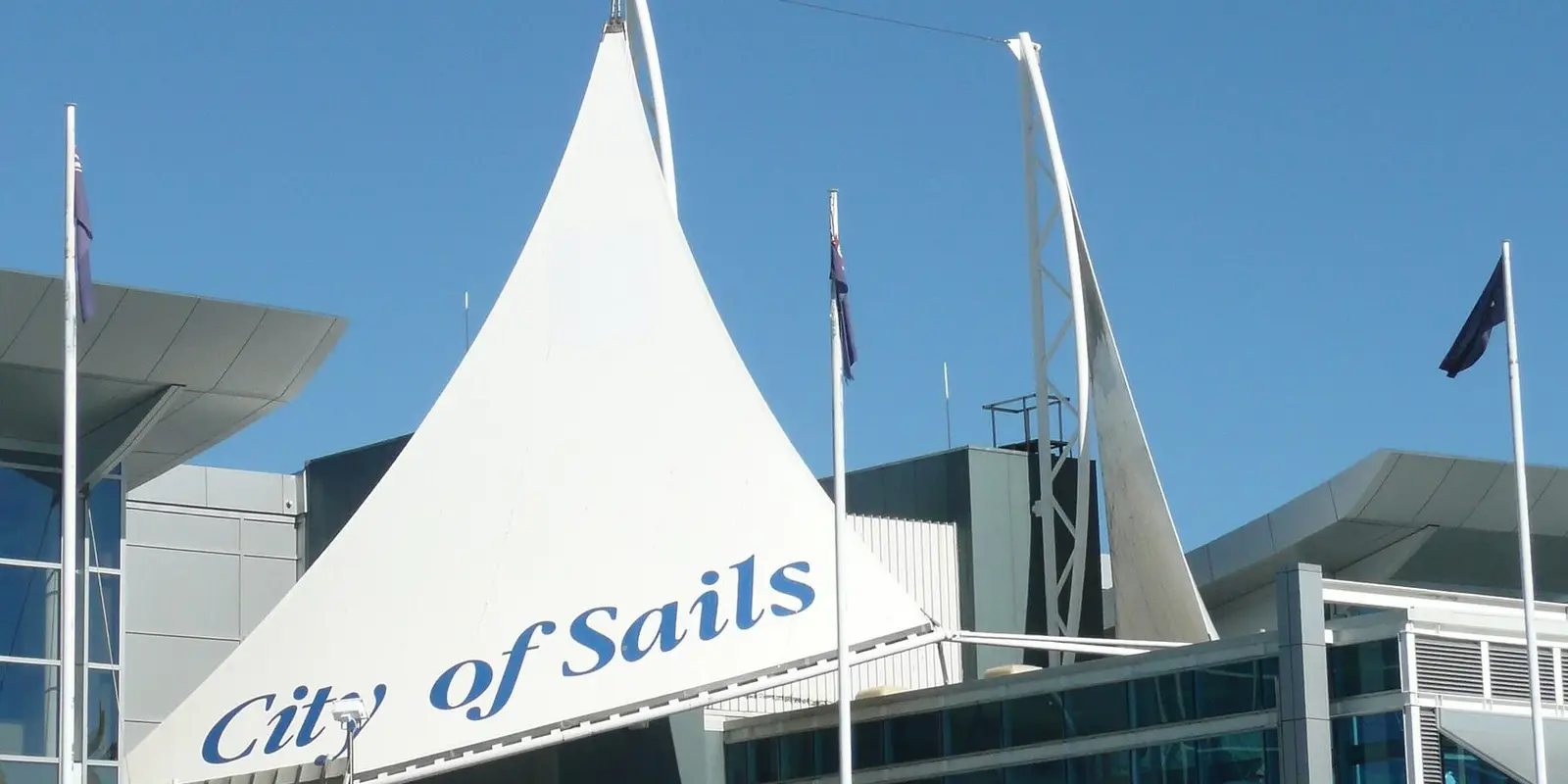
You can buy a local SIM at Auckland Airport, or skip the queue and land already online. Spark has a store in the arrivals area of the international terminal, on the ground floor before security, open 4:30 am to 2:30 am, and sells NZ Travel Packs. One NZ has a store on Ray Emery Drive, open 5:00 am to 2:30 am, and says the airport store is the right place to buy a SIM. Spark also says there is a kiosk at Auckland Airport, and that a basic prepaid SIM is $5, or a Spark eSIM is free. A Saily eSIM starts at US$3.99 for 1 GB over 7 days if you set it up before you fly. New Zealand switched off 3G in 2026, so your phone needs to work on 4G. Facts checked as at November 2026.
On this page
Key facts
- Spark airport store
- International terminal, ground floor, arrivals, 4:30 am to 2:30 am
- One NZ airport store
- Ray Emery Drive, 5:00 am to 2:30 am
- Spark starter SIM
- $5 prepaid SIM, or a free Spark eSIM
- Saily from
- US$3.99 for 1 GB over 7 days
- 3G
- Switched off nationwide; you need a 4G phone
- Checked
- As at November 2026
Most visitors want mobile data as soon as they leave the aircraft: maps, a rideshare app, a message home. At Auckland Airport you can do that in two ways. You can queue at a local network desk and buy a physical SIM or a local travel pack, or you can set up an eSIM before you fly and come online when you land.
This page is the airport version of our wider best eSIM for New Zealand guide. It sticks to official store locations, hours and published pack details. We do not invent a walk-up travel-pack price when the airport page itself tells you to ask in store. Facts are as at November 2026.
Quick answer
- Already online when you land: a Saily eSIM from US$3.99, installed before you fly, or a One NZ travel eSIM activated by calling 777 after you arrive.
- Your phone: must be unlocked and able to use 4G. New Zealand has switched off 3G.
- Spark also mentions: a kiosk at Auckland Airport, on its official visiting page.
Get a Saily eSIM for New Zealand
Airport desk versus eSIM
| Option | Where and when | What you get | Best for |
|---|---|---|---|
| Spark arrivals store | International terminal, ground floor, before security. 4:30 am to 2:30 am. Phone 09 275 3640 | NZ Travel Packs (confirm charges in store). Spark also publishes a $5 prepaid SIM, or a free Spark eSIM | A New Zealand number and a local pack after you land, without leaving the terminal |
| One NZ airport store | Ray Emery Drive, Monday to Sunday, 5:00 am to 2:30 am. Eftpos and major credit cards | The company says this is the right place to buy a SIM. Published travel plans include $29 for 30 days, $49 for 60 days, and $69 or $99 for 90 days | Buying a physical One NZ SIM on arrival, or getting help with coverage questions |
| Saily eSIM before you fly | Install on Wi-Fi at home or at the departure airport. Activates when you arrive | Official plans from US$3.99 for 1 GB over 7 days, up to US$37.99 for 20 GB over 30 days | Landing already online, without a desk queue, if your phone supports eSIM |
| One NZ travel eSIM | Buy online before you fly, then call 777 to activate once you land | A local travel eSIM on the One NZ network. Pack sizes are on the official travel SIM page | A New Zealand eSIM you set up ahead, then activate after you arrive |
Why set up data before you land
A long-haul arrival is a messy moment to discover that your phone is locked, that you need a passport photocopy, or that the desk has a queue. If your handset supports eSIM, you can buy a plan at home, install it on Wi-Fi, and leave it ready to activate in New Zealand.
That does not make the airport desks useless. A local travel pack is still a good choice if you want a New Zealand phone number, calls and texts included, or if your phone cannot take an eSIM. It is also the fallback if an eSIM fails to install and you need a physical card before you leave the airport.
Whichever path you pick, do the compatibility check first. Spark’s official advice is to confirm the phone works on its network and is unlocked by your home provider. A locked phone will not take a local SIM or eSIM.
Spark at the international terminal
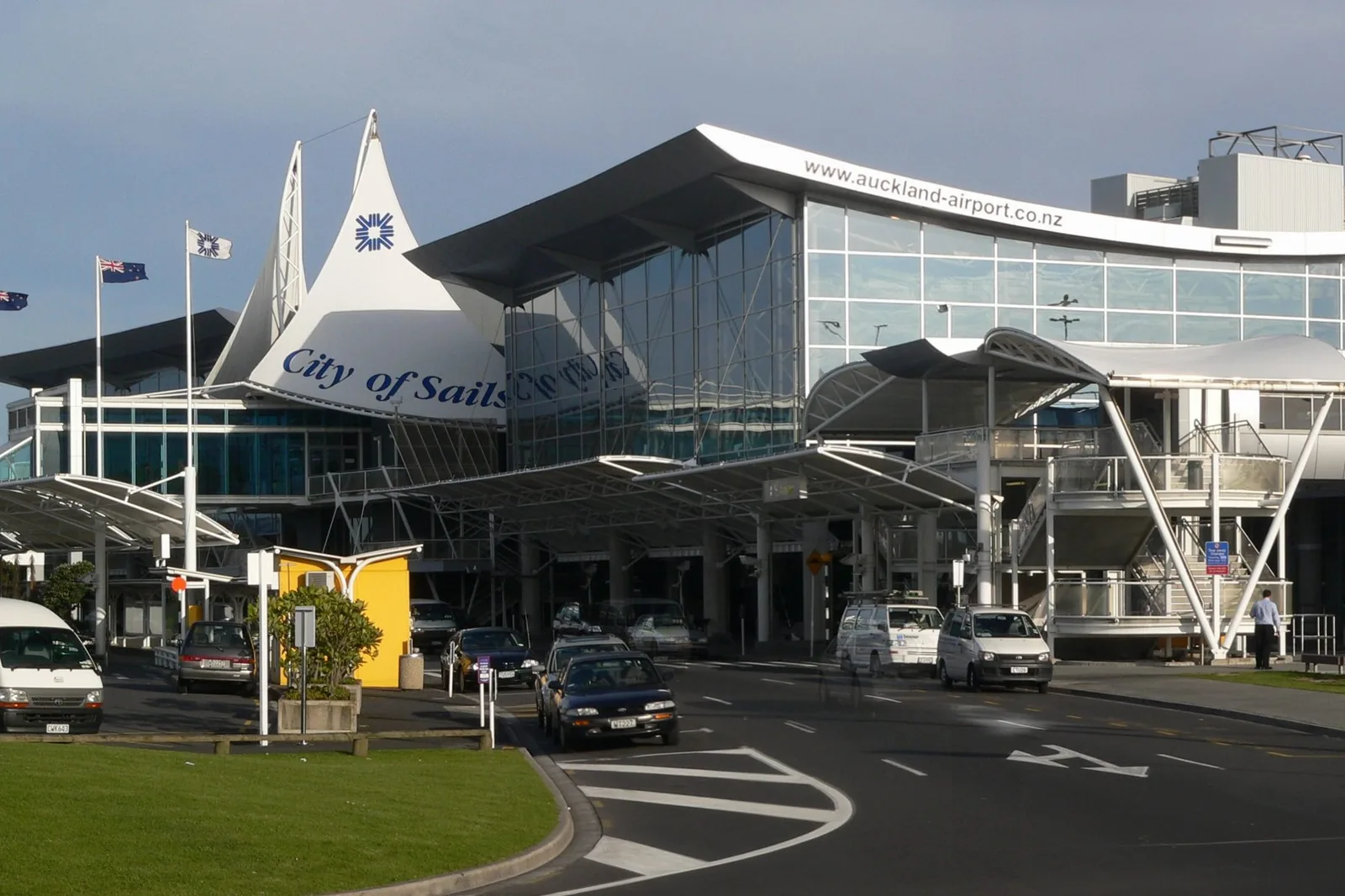
Auckland Airport lists Spark in the arrivals area of the international terminal, on the ground floor, before security. Hours are 4:30 am to 2:30 am. The store phone number is 09 275 3640.
The official airport copy is the right place to start: Spark sells NZ Travel Packs with a SIM included, and tells you to visit the arrivals store for travel pack information and charges. Because that page does not print a pack price, we are not going to invent one.
Spark’s own visiting-New Zealand page adds useful detail. A basic way to get a New Zealand number is a $5 prepaid Spark SIM, or a Spark eSIM, which Spark says is free. If you will be in the country for up to three months, Spark suggests an NZ Travel Pack, which includes a SIM, data, and local and international minutes. The same page says that if you are flying into Auckland or Christchurch, there is a kiosk at the airport; our Christchurch Airport SIM card guide covers the stores there.
If you already have a Spark SIM and need coverage detail, Spark says 4G is available nationwide if your device supports 4G. That matters more than a 5G logo on a box.
The One NZ airport store
One NZ (the network formerly branded as Vodafone New Zealand) publishes an Auckland Airport store page. The address is One NZ Store, Ray Emery Drive, Auckland International Airport, Auckland 2022. Hours are Monday to Sunday, 5:00 am to 2:30 am. The company says the airport store is the right place to buy a SIM, and that staff can help with local information about networks and coverage. It accepts Eftpos and major credit cards.
One NZ also sells travel SIMs and eSIMs online. If you buy a travel eSIM before you fly, the company says to call 777 to activate once you land. If you would rather have a physical card, One NZ says you can stop by a store when you arrive, and that it is also at airports near the duty free or arrival areas.
Published plan timings, as at November 2026, include a $29 travel SIM that lasts 30 days, a $49 plan that lasts 60 days, and $69 and $99 plans that last 90 days. There is also a $5 for 24 hours add-on for unlimited New Zealand data plus calls and texts to New Zealand and Australia. For data allowances and the finer print, use the One NZ travel SIM page and our eSIM guide, which was checked against that official source in November 2026.
One NZ also warns that phones purchased outside New Zealand may not be able to make 111 emergency calls. That is another reason to confirm your handset will work on a local network, not only whether it can take a SIM.
Local travel packs and eSIMs
New Zealand has three national networks: Spark, One NZ and 2degrees. All three sell visitor plans, but they do not all have the same airport presence.
2degrees sells an Unlimited Travel SIM, including through a partner with delivery, and says you can find it at select airports, popular tourist destinations and 2degrees retail stores. That is not the same as a confirmed 2degrees-branded store inside Auckland Airport, so we are not going to claim a desk is there. If you want 2degrees specifically, check the official store locator, or buy before you travel.
A local pack is usually the better fit if you:
- need a New Zealand number for calls and texts
- are staying several weeks and want a larger prepaid bundle
- have a phone that cannot use eSIM
An eSIM is usually the better fit if you:
- want data as soon as you leave the gate
- are happy to message over WhatsApp or similar
- would rather not unclip a home SIM or queue with a suitcase
A Saily eSIM before you fly
Saily is a travel eSIM you install on a compatible phone. The official New Zealand plan page, as at November 2026, lists these prepaid data plans:
| Data | Duration | Price |
|---|---|---|
| 1 GB | 7 days | US$3.99 |
| 3 GB | 30 days | US$9.99 |
| 5 GB | 30 days | US$13.99 |
| 10 GB | 30 days | US$23.99 |
| 20 GB | 30 days | US$37.99 |
Saily says you should install the eSIM before you leave, on a stable Wi-Fi connection, turn it on in your settings and enable roaming. The plan then activates automatically when you arrive. That is the whole point for an Auckland landing: you do not have to find a desk before you can load a map.
Coverage is described as major New Zealand cities, including Auckland, Queenstown, Rotorua and Wellington, with quality depending on the local network. It will not solve every mountain-road dead zone. Download offline maps anyway, which is the same advice we give in the eSIM guide.
Saily also offers optional voice and SMS add-ons if you need a number. If you only want data, you can keep using calling apps.
Get a Saily eSIM for New Zealand
Setup checklist
- 1Check the phone first
It must be unlocked and able to use 4G. New Zealand has switched off 3G nationwide, and a 3G-only phone cannot be relied on for service, including calls to 111.
- 2If you want an eSIM, install it before you fly
Set up Saily on Wi-Fi at home, or buy a One NZ travel eSIM and call 777 to activate after you land.
- 3If you want a physical SIM, go to the official desk
Spark is in international arrivals, ground floor, before security. One NZ is on Ray Emery Drive. Bring a bank card.
- 4Test data before you leave the airport
Ask staff to help install a physical SIM, turn off leftover roaming on your home plan, and confirm you can load a map.
- 5Then deal with transfers or a hotel
Our Auckland Airport transfers guide covers buses and taxis into the city, and the airport hotels guide is there if you are staying on the precinct overnight.
We have not quoted a Spark walk-up travel-pack price, because the official airport page tells you to confirm charges in the arrivals store. Do not rely on a remembered figure from a previous trip.
3G shutdown and coverage
This is the technical check that is easy to skip and annoying to discover at the counter. The New Zealand Telecommunications Forum says the 3G shutdown is complete nationwide. Phones that can only use 3G will not get a normal service, and you should not assume they can call 111.
Once you have a local SIM, One NZ says you can text 3G to 550 to check the handset. Spark’s visiting page focuses on 4G-capable devices and its 4G coverage map. If you are heading to national parks or remote roads, expect gaps, and do not rely on the phone as your only navigation.
What to do when you land
If you already set up an eSIM, turn off airplane mode, confirm the travel eSIM is selected for data, and leave your home SIM set not to roam if you want to avoid a surprise bill. Then get on with customs, bags and the transfer.
If you need a physical SIM, Spark in international arrivals is the desk inside the terminal. One NZ on Ray Emery Drive is the other official airport store. Bring an unlocked 4G phone and a bank card. Ask the staff to help you install the SIM, turn off any leftover roaming on your home plan, and test data before you go outside.
After that, the rest of the airport is logistics: our Auckland Airport transfers guide covers buses and taxis into the city, and the Auckland Airport hotels guide is there if you are not leaving the precinct until morning. Flying on to another city? Wellington Airport has no phone store at all, and Queenstown Airport has One NZ in duty free arrivals only.
FAQ
Can I buy a New Zealand SIM card at Auckland Airport?
Is it better to get an eSIM before I fly?
How much does a SIM cost at the airport?
Will my phone work in New Zealand?
Where is the Spark store compared with the One NZ store?
Sources
Last checked 13 November 2026
- Spark (Auckland Airport store) · Auckland Airport
- Auckland Airport store · One NZ
- Set up with Spark while visiting NZ · Spark
- Travel SIM and eSIM for visitors · One NZ
- New Zealand eSIM prepaid data plans · Saily
- 3G shutdown complete nationwide · New Zealand Telecommunications Forum
- Unlimited Travel SIM · 2degrees