A city rental in a fibre area can be an excellent New Zealand work setup. A mountain road often cannot. The Commerce Commission estimated that 85.2% of addresses were in a fibre area as at 30 June 2025, with urban fibre treated as 100% in those areas. 4G reached 99.0% of the population but only 54.6% of the landmass. 5G reached 51% of the population and 3.5% of the landmass. New Zealand has switched off 3G, so you need a 4G-capable phone. Checked as at November 2026.
On this page
Key facts
- Fibre areas
- 85.2% of addresses, as at 30 June 2025
- Urban fibre
- 100% coverage in those fibre areas, by the Commission's definition
- 4G
- 99.0% of the population, 54.6% of the landmass
- 5G
- 51% of the population, 3.5% of the landmass
- 3G
- Switched off; you need a 4G-capable phone
- Checked
- As at November 2026
New Zealand can feel perfectly connected in a Christchurch apartment and completely blank twenty minutes up a valley. Both experiences are normal. If you are here to work as well as look out the window, you need to know which kind of place you have booked.
This guide uses official coverage figures from the Commerce Commission’s 2025 Telecommunications Monitoring Report, with statistics as at 30 June 2025, and then turns them into practical advice for a remote-work stay. For visitor SIMs and travel eSIM prices, use our eSIM guide. For the wider stay, start at the digital nomad overview.
What the official coverage figures actually say
The Commission estimated that 85.2% of New Zealand addresses were in a fibre area as at 30 June 2025, up from 84.7% a year earlier. For that report, addresses in a fibre area are treated as urban, and fibre coverage in those urban areas is 100%. That does not mean every rural road has a fibre terminating unit. It means the big build in towns and cities is largely done.
Mobile is a different map. Reported 4G population coverage across the three mobile network operators increased to 99.0%, from 98.5% a year earlier. Average 4G landmass coverage was 54.6%. In other words, almost everyone lives somewhere 4G can reach, but almost half the country by area still may not have it.
5G is more concentrated. Average reported 5G population coverage increased to 51%, around 2.7 million people, and geographic coverage rose to 3.5%. The Commission notes that most 5G coverage has been concentrated in cities and then in denser towns.
There is an official Telecommunications Connectivity Map if you want to see technologies by area. Chorus and the retailers also publish address checkers for fibre. Use those on a specific listing, not a vibe.
Fibre in a rental is the work baseline
If you are staying several weeks in one place, the question that matters is whether the home has a working fibre (or otherwise decent) connection, not whether 5G is available on the corner.
Ask the host or landlord, before you pay, whether the property has fibre, which retailer supplies it, and whether the plan is unlimited. Then test it on day one with the tools you actually use: a video call, a VPN if you need one, and a large upload. A speed-test screenshot from six months ago is not the same thing. If several people are sharing the connection, ask about that too, because a good plan can still feel tight on a busy evening.
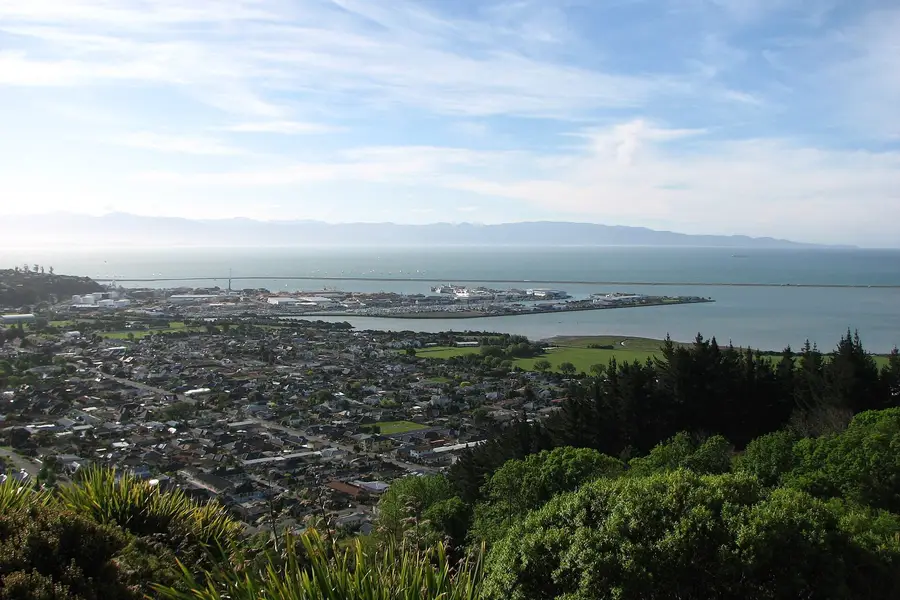
In a city base such as Auckland, Wellington, Christchurch, Dunedin or Nelson, the odds are on your side because so many addresses sit in fibre areas. In a lakeside cabin, a farmstay or a west-coast motel, ask more questions, and have a coworking or library backup if the answering-machine version of wifi shows up.
Power cuts and local outages still happen. If a deadline cannot move, do not make a single rural router your only path to the file.
Mobile coverage, and why the landmass figure matters
Visitors often hear “99 percent coverage” and picture the whole country. The 99.0% figure is about people, not paddocks. The 54.6% landmass figure is why calls drop on alpine passes, in national parks and on empty stretches of coastline.
The three national networks are One NZ, Spark and 2degrees. Our eSIM guide’s practical conclusion still holds: all three cover towns and main highways, and all have gaps. Trying to pick a perfect winner is less useful than planning for no signal.
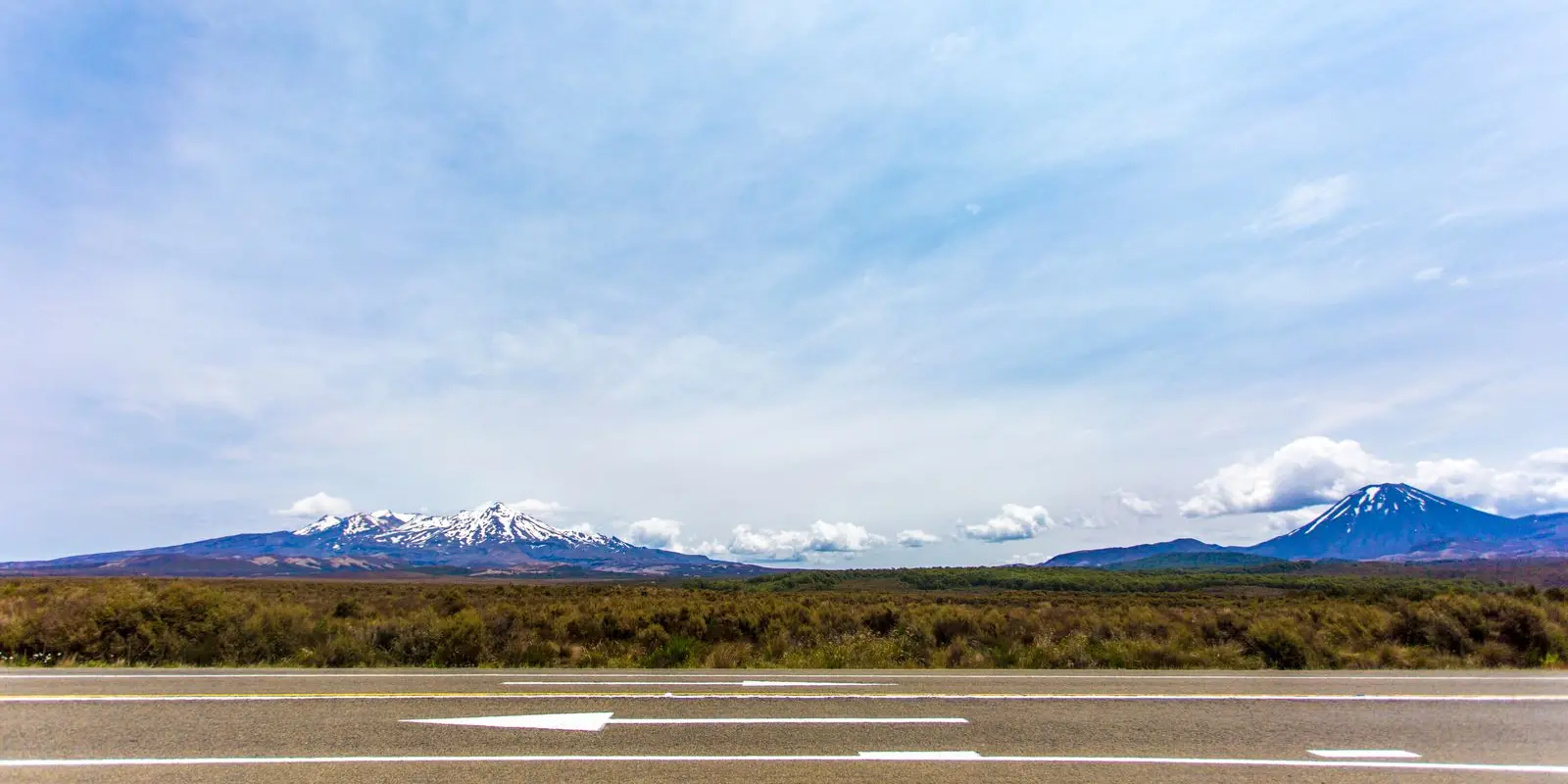
Download offline maps, keep meeting recordings or files you must have locally, and do not promise a live workshop from the road to Milford or a trailhead car park. Use driving days, which our road-trip guides already flag as having phone gaps, as offline days. The Desert Road, alpine passes, and much of the West Coast are classic examples: the views are enormous and the signal is not.
If you are working from a campervan, treat that as a travelling holiday with some email, not as a full office. The cost and campervan guides are adjacent reading, but they will not invent coverage where the official map is empty.
3G is gone, so check your phone
The Commission’s 2025 report, written as at 30 June 2025, already described the national 3G shutdown as under way, with operators upgrading sites to 4G. By the time we checked the site’s eSIM guide in November 2026, New Zealand had switched off 3G. A 3G-only phone will not work properly here, and that guide explains why it also cannot be relied on for 111.
Before you travel, confirm that your handset supports 4G (and eSIM, if you want one) and that it is unlocked. Once you have a New Zealand SIM, the eSIM guide’s network check is to text 3G to 550.
This is a boring test, and it is one of the few that can ruin a work trip if you skip it. If you carry a work phone and a personal phone, check both. A spare old handset that only speaks 3G is a paperweight here.
When an eSIM is enough, and when it is not
A travel eSIM, or a local prepaid SIM, is ideal for the first days, for navigation, and for a stay where wifi already exists. Our eSIM guide compares visitor plans from the local networks and international eSIM sellers, including longer 90-day options. International data-only options, including Saily, can be installed before you fly and used from the moment you land. They do not usually give you a New Zealand phone number, which matters if a landlord or tour operator wants to text you.
It is less ideal as your only connection for two months of video calls, unless the plan truly has the data you will use and the coverage in your neighbourhood is solid. Sitting on a mobile hotspot all day in a rental that could have fibre is usually a more expensive, less stable way to work.
Starlink and other satellite options exist in some rural stays, and the Commission’s report discusses satellite as a rural alternative, but you should only rely on a connection you have confirmed for that property. Do not assume every bach listing includes it, even in areas where neighbours already have a dish.
A sensible split for a long stay is:
- fibre (or proven wifi) in the place you sleep
- a modest local or travel data plan for being out
- a coworking day pass for days that must not fail
Insider tip: test the upload, not just the download. Working remotely is often a video call and a file going the other way, and a pretty download number can hide a weak upload.
Putting it into a New Zealand month
Pick a city or town where fibre is the default, confirm the connection before you commit to a month, and keep a workspace backup from the coworking list. Use mobile data as the layer that follows you to the supermarket and the weekend tramp, not as the thing your job depends on in the hills.
Public libraries, university campuses (where visitors can get access) and some i-SITE or council spaces also have wifi, but opening hours and time limits vary, and they are a backup rather than a plan. If a day’s work cannot slip, book a coworking desk the day before rather than hunting for a cafe corner with a spare seat and a hidden password.
Cafes can be fine for a light morning of email. They are less fine for confidential calls, for six hours of meetings, or for the unspoken New Zealand rule of not camping at a small table through lunch with a two-person bill. If you need to be there all day, go to a space that sells that service.
The scenery is the reason you came. The fibre is the reason you can stay for a season without your job noticing too hard.
FAQ
Is the internet good enough in New Zealand for remote work?
Does New Zealand have fibre broadband?
Which mobile network is best for coverage?
Is a travel eSIM enough for a two-month stay?
Will my phone work after the 3G switch-off?
Sources
Last checked 11 November 2026
- 2025 Telecommunications Monitoring Report · Commerce Commission
- Annual monitoring reports · Commerce Commission
- Telecommunications Connectivity Map · Commerce Commission